/-/https/www.sciencebuddies.org/Files/21464/5/sb-logo.png)
/-/https/www.sciencebuddies.org/Files/21464/5/sb-logo.png)
Foldable Paper Robotic Gripper
Summary
Sawyer Fuller, PhD, University of Washington
NSF grant 2054850
/-/https/www.sciencebuddies.org/Files/19711/5/paper-robotic-gripper-thumbnail-yellow.jpg)
A cut-out cardstock template with dotted lines that indicate where to fold. Next to it is a completed gripper, which consists of two finger shapes and a base where two thin strands, or tendons, enter. A hand holds the tendons just below the gripper's base..
/-/https/i.ytimg.com/vi/a9Nn3ppWhK0/maxresdefault.jpg)
/-/https/www.sciencebuddies.org/Files/20511/4/google-classroom.png)
/-/https/www.sciencebuddies.org/Files/20512/4/ms-teams.png)
/-/https/www.sciencebuddies.org/Files/20469/4/Canvas_Bug_Color_RGB.png)
/-/https/www.sciencebuddies.org/Files/20470/5/Schoology-Logo.png)
/-/https/www.sciencebuddies.org/Files/20471/4/lms.png)
/-/https/www.sciencebuddies.org/Files/20469/4/Canvas_Bug_Color_RGB.png)
/-/https/www.sciencebuddies.org/Files/20470/5/Schoology-Logo.png)
/-/https/www.sciencebuddies.org/Files/20471/4/lms.png)
Overview
When your students think of robots, they probably think of materials like metal or plastic—but what about paper? In this lesson plan, your students will learn to make robotic parts from readily available classroom materials. Optionally, they can apply the engineering design process to improve the design or come up with their own designs.
Learning Objectives
- Learn how to make a simple robotic device by folding paper.
- Optional: Apply the engineering design process to improve the device.
Materials
- Material for making the grippers. There are several options:
- Print the templates directly on cardstock and have students cut the cardstock by hand.
- Print the templates on regular printer paper, glue or tape the templates to manila folders, then have students cut the manila folders by hand.
- Print the templates directly on printer paper and have students cut the printer paper by hand. (This will work, but the grippers will not be as strong as those made from cardstock or manila folders.)
- If you have access to a laser cutter, you can use it to cut the templates out in advance (using a material of your choice) and just have students do the folding and gluing.
- Printer
- Scissors
- Rulers
- Sharpened pencils
- School glue or glue sticks
- Optional: Hobby knives for cleaner interior cuts (if your students are allowed to use them)
- An assortment of small objects to pick up with the grippers
- Optional: Other classroom supplies (rubber bands, tape, paper clips, etc.) for students to use to modify the grippers
Background Information for Teachers
This section contains a quick review for teachers of the science and concepts covered in this lesson.Paper might not be the first material that comes to mind when you think about robots, but there are some surprising advantages to using it as a construction material. Paper is cheap and readily available. This makes it easy to build a robot from paper, even if you do not have access to more expensive tools or materials. Paper is very fast to cut, so you do not have to wait hours to make parts like you do with a 3D printer. You can make moving parts with paper by making folds that can bend back and forth, so you do not need any additional materials. Paper is also very strong for its weight (engineers say it has a high strength-to-weight ratio), allowing you to design sturdy but lightweight structures. Of course, there are some disadvantages too. You probably do not want to get your paper robot wet or expose it to flames! Thinking about advantages and disadvantages of different materials is something engineers do as part of the engineering design process. You can encourage your students to think of advantages and disadvantages of different materials as part of this lesson.
/-/https/www.sciencebuddies.org/Files/19708/8/foambot.jpg)
Figure 1. A hexapod robot made from foam board.
In this project your students will make robotic grippers and use them to pick things up. Inspired by origami, the entire gripper is folded into a three-dimensional shape from a single sheet of paper (Figure 2). The simple gripper has two "fingers" and two tendons. Pulling on the tendons makes the finger joints bend, just like the fingers in a real hand. Your students can follow the steps in the lesson procedure to make the gripper shown in Figure 2, then use the engineering design process to try to improve the design and make it better at picking things up.
/-/https/www.sciencebuddies.org/Files/19709/7/origami-robot-gripper.jpg)
The gripper consists of two finger shapes and a base where two thin strands, or tendons, enter. Below is a cut-out cardstock template with dotted lines that indicate where to fold.
Figure 2. The robotic gripper (top) and the paper template used to make it (bottom).
Additional Background Links
- Engineering Design Process, Science Buddies
Prep Work (15 minutes)
- If you have access to a laser cutter, download the paper gripper template SVG file and use that to cut out the templates. Otherwise, download and print enough copies of the paper gripper template PDF for all of your students. You may want to print some extras in case students make mistakes and need to start over. You can print the templates directly on cardstock, print on printer paper and glue/tape to cardstock or manila folders, or print directly on printer paper (which will be the weakest).
- Decide how you will walk students through the assembly process. You can show the assembly instructions video or the assembly instructions PDF on a projector. You can also print out copies of the assembly instructions PDF for students to work from at their own pace.
Teacher Tool Box
Engage (10 minutes)
Ask your students what materials they think of when they think of robots. Students might have seen metal robots in movies or have plastic toy robots at home, but do any of them think of paper? Discuss some of the potential advantages and disadvantages of using paper to build a robot (see background information section). Explain that today they will build simple robotic grippers by folding paper.
Explore (40 minutes)
- Distribute the pre-printed or pre-cut templates.
- Walk the students through folding and gluing the grippers one step at a time, as shown in the assembly video or the assembly instructions PDF. It is important to hold each fold in place until the glue dries completely. If you let go too early, you will have to re-glue that step and start over.
- Allow students to try picking up a variety of objects with their grippers. They should hold the center section of the gripper and pull on the tendons to pinch the fingers together.
 How well can the grippers pick things up? Are some objects easier to pick up than others?What changes or improvements could you make to the gripper to make it better at picking things up?
 - If you have more time, allow students to modify the grippers by attaching other materials. (For example, they can wrap rubber bands around the fingers to give them more friction.) Can they improve the performance and make the grippers better at picking things up?
What are some advantages and disadvantages of adding other materials to the grippers?
/-/https/www.sciencebuddies.org/Files/14174/23/note-question-mark-30.png)
Reflect (10 minutes)
Discuss your results as a class. What objects were easier to pick up with the grippers? What could be improved about the gripper design? What about the process to make the grippers?
If students modified their grippers, discuss those results as well. Let students show each other their modified grippers and how they work.
Make Career Connections
Discussing or reading about these careers can help students make important connections between the in-class lesson and STEM job opportunities in the real world.
/-/https/careerdiscovery.sciencebuddies.org/Files/1725/18/4161_Michelle_Easter_and_Curiousity_Clone.jpg)

Lesson Plan Variations
- Let students make their own gripper designs instead of using the template. They can use the template as a starting point and use a pencil and ruler to draw a modified design based on the original. This requires careful planning since any changes to the 2D design can affect the folding process and resulting 3D shape.
- You can have students use a 2D CAD (computer-aided design) program to design new grippers instead of drawing the templates by hand. You can also use a vector graphics program like Inkscape to edit the SVG file.
- Organize a classroom contest with a clear objective: for example, successfully picking up the heaviest object, or picking up and transporting the biggest variety of objects from one location to another without dropping them. You can also extend the length of the tendons and attach the gripper to a robotic arm, as shown in our robot hand with drinking straws project. You can even have a contest to see from how far away the students can pick up an object.
- If you want to incorporate Arduino into your lessons, can your students motorize their grippers? See the Science Buddies project Motorizing a Robotic Hand and our Arduino tutorial series for reference.
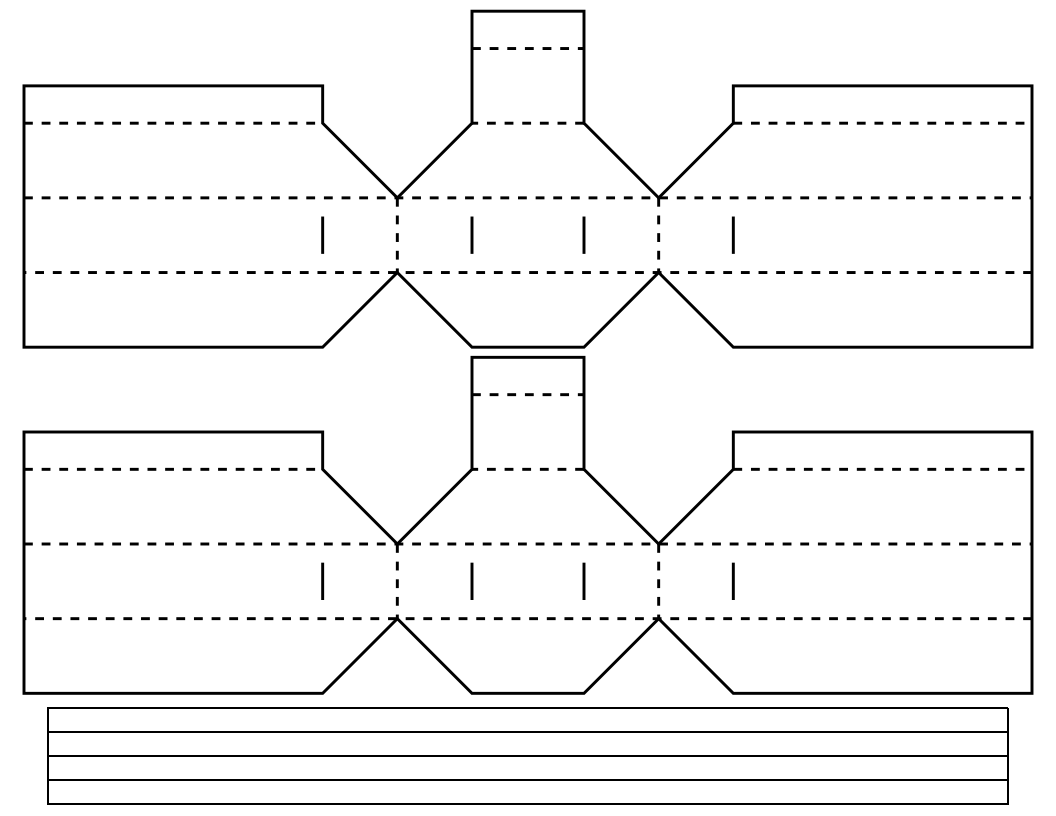
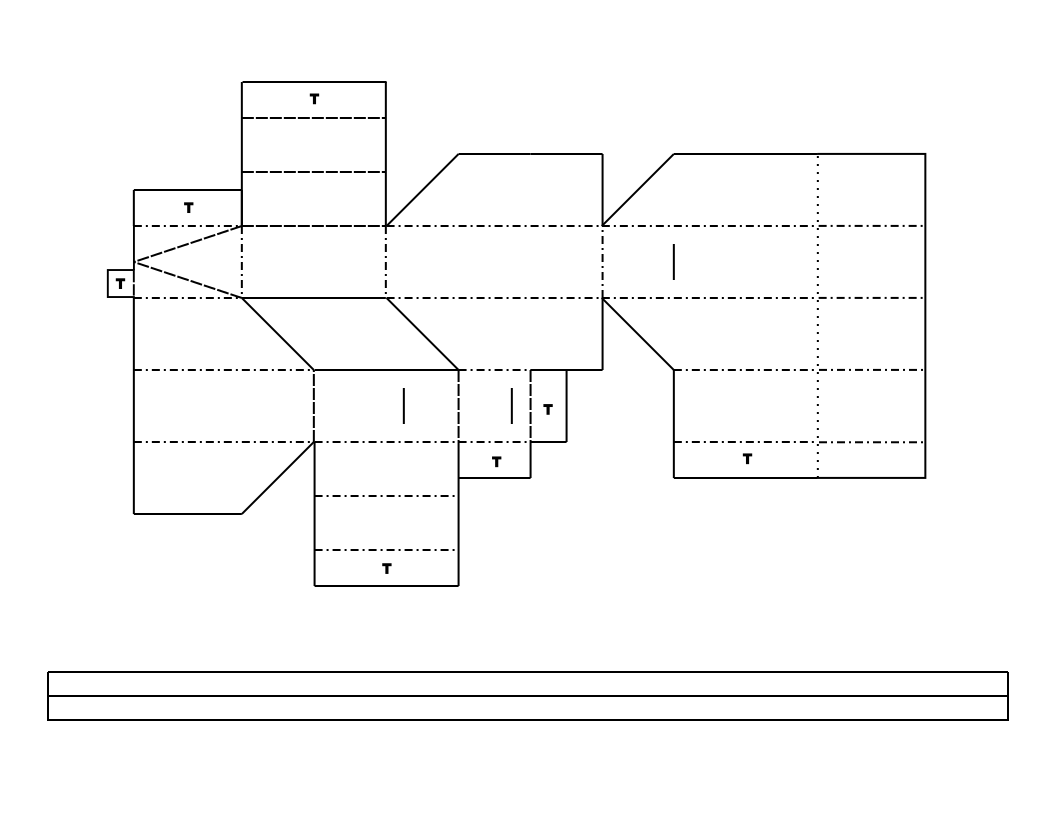
- This more advanced gripper design requires much more intricate folding, but the resulting device keeps the finger surfaces parallel to each other as they move. This can be useful for gripping flat sheets or rectangular objects. Left-side and right-side PDFs are available for printing and hand cutting from two separate sheets of paper that must be glued together. Alternatively, you can use the SVG file for laser cutting. (You will need to mirror the file to cut from a second sheet.) For instructions, watch the following video or follow the steps in our advanced gripper assembly PDF.
/-/https/i.ytimg.com/vi/mhPrxoMnVds/maxresdefault.jpg)
/-/https/img.youtube.com/vi/xIjMYB_qNOI/0.jpg)
/-/https/img.youtube.com/vi/BE-b2Tp_B3E/0.jpg)
/-/https/img.youtube.com/vi/LC_Zb2LLUgI/0.jpg)